To share your NYC Marathon on Instagram, make your finish time the biggest thing on the photo, add "New York City Marathon" and the date, and draw the five-borough route if you have room. You can do it for free by placing Strava's share sticker over your photo in an Instagram Story, or with an app that reads the run from Strava and lays it out for you.
The 2026 race is on Sunday 1 November. Everything below works the same day, as soon as your watch has synced to Strava.
What should a NYC Marathon post show?
A marathon post is looked at for two or three seconds. Pick the numbers in this order and stop when the photo starts to feel crowded.
| Priority | What | Why |
|---|---|---|
| 1 | Finish time | It is the only number anyone asks about. |
| 2 | Race name and date | "New York City Marathon, 1 Nov 2026" is what you will want to read in five years. |
| 3 | The route | Staten Island to Central Park has a shape people recognise. |
| 4 | Average pace | Useful, but it can be worked out from the time. |
| 5 | Splits or elevation | Only if they tell a story, such as a negative split or the climb up Fifth Avenue. |
You do not need distance as a number. "Marathon" already says 26.2.
Which finish time should you use?
There are up to three times for the same race, and they will not match exactly.
- Official time. Measured from the start mat to the finish mat by your bib chip. This is your race result, so it is the one to post if you want the exact number.
- Elapsed time on Strava. From when you pressed start to when you pressed stop, including stops. It is usually within a minute or so of the official time if you were quick with the button.
- Moving time on Strava. Leaves out the moments your watch thought you had stopped, such as a long aid station or a bathroom line. It is a training number and it flatters you, so do not post it as your marathon time.
If you forgot to stop your watch at the line, Strava's crop tool trims the end of the activity. It can only cut the start or the end, and there is no undo, so go gently.
Why doesn't your watch say 26.2?
Don't worry about it. The course is certified along the shortest line a runner could take, and nobody holds that line in a field this size. On top of that, GPS can wander among Manhattan's tall buildings and on the bridges. A reading a little over 26.2 miles is normal.
For the post, the race distance is the honest number. "Marathon" or "26.2" says what you did. The watch's figure is just the watch.
What is worth showing about this course?
New York is one of the few marathons where the course itself is worth putting on the image.
- The route. The course starts at Fort Wadsworth on Staten Island and goes through Brooklyn, Queens, Manhattan and the Bronx, then back into Manhattan to finish in Central Park. A single clean line works better than a street map.
- The elevation. Marathon Handbook lists about 920 feet of climbing, most of it on the bridges: the Verrazzano in the first two miles, the Queensboro around mile 16, and the long drag up Fifth Avenue late in the race. That makes the profile worth showing, because the bridges appear as clear humps.
- Your splits. A lot of runners slow down after the Queensboro. If you held your pace through it, or ran the second half faster than the first, the splits are the proudest number you have.
The 2026 course has a small change in the Bronx: runners stay on Alexander Avenue past East 138th Street, then take East 141st Street and Third Avenue before the Madison Avenue Bridge. You will not see it on a phone-sized route, but it does make this year's line its own.
How do you do it for free with Strava and Instagram?
- Wait for your watch to sync, then open the run in Strava.
- Tap share and choose Instagram Stories. If you see a checkered background, that is the transparent sticker, not a bug.
- Pick your photo as the Story background, then place the sticker over the darkest part of the photo so the stats stay readable.
- Use Instagram's text tool to type your official time, large, plus "NYC Marathon" and the date.
Some of Strava's newer share layouts need a subscription, but the basic sticker is free at the time of writing (October 2026). The stats do not come with a choice of font, and a bright sky can make them hard to read.
How do you do it in SHUTT?
SHUTT, which I make, is an iPhone app that puts a Strava run on your own photo or video. It recognises races: if your run is on 1 November, near New York and about the right distance, it knows it was the New York City Marathon. Two looks made for race day then appear first in the list. Both are free.
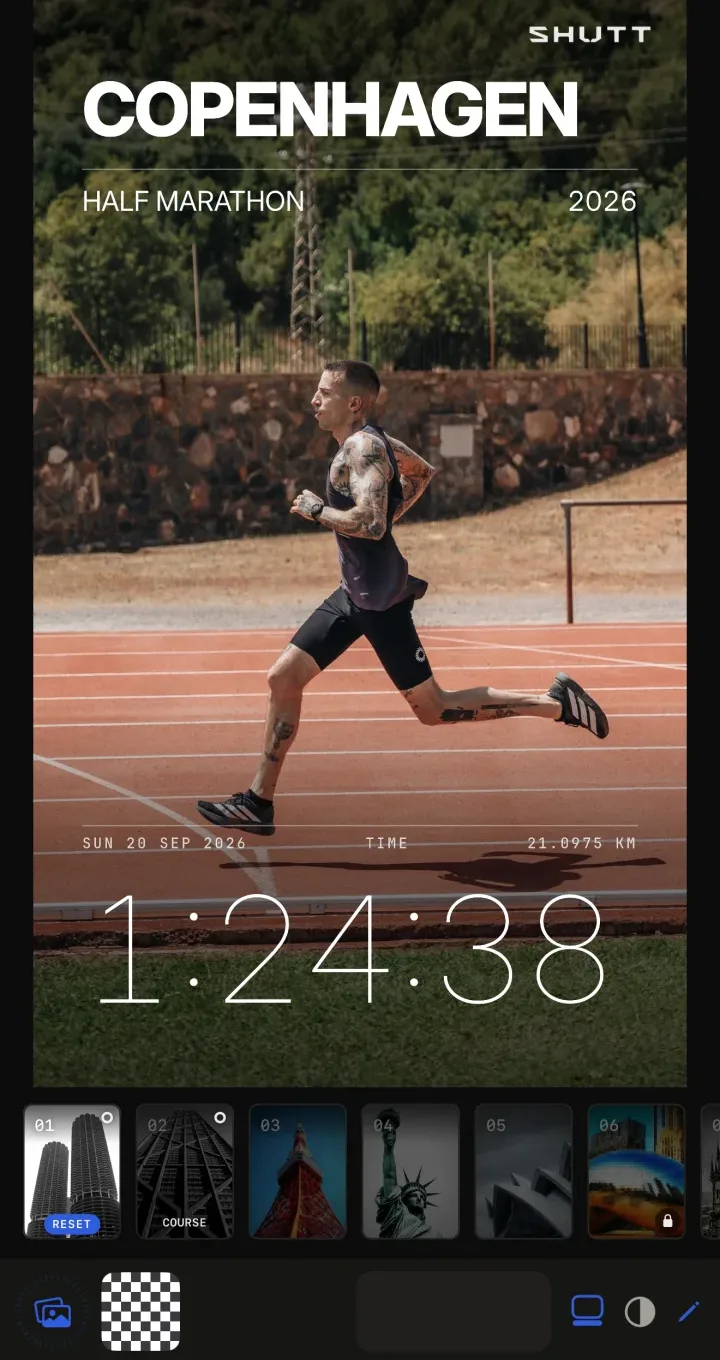
- Finish puts your time, the race name, the city and the year on your photo, in three styles: Gantry, Poster and Certificate.
- Course draws the route as the main element, with or without your time.
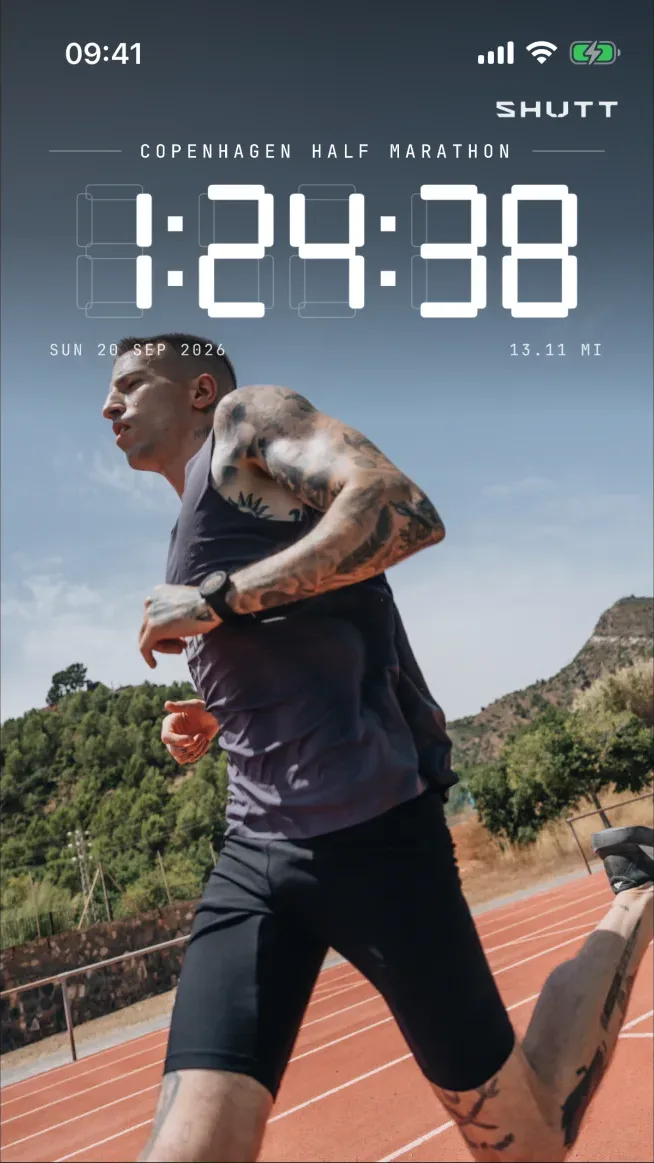
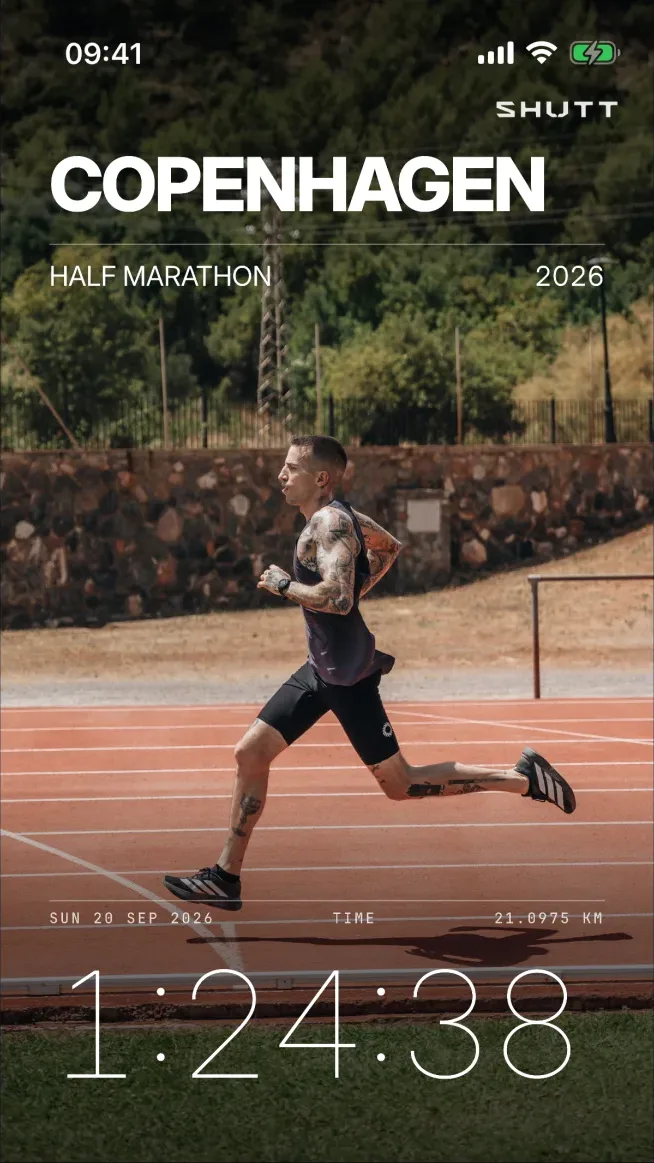
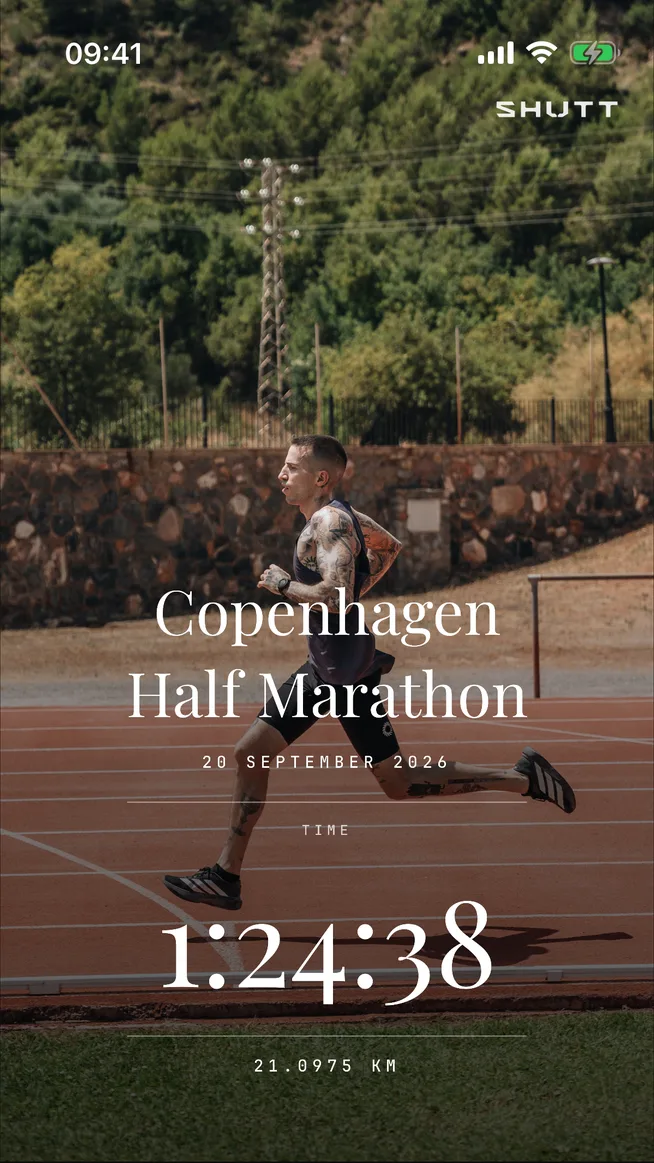
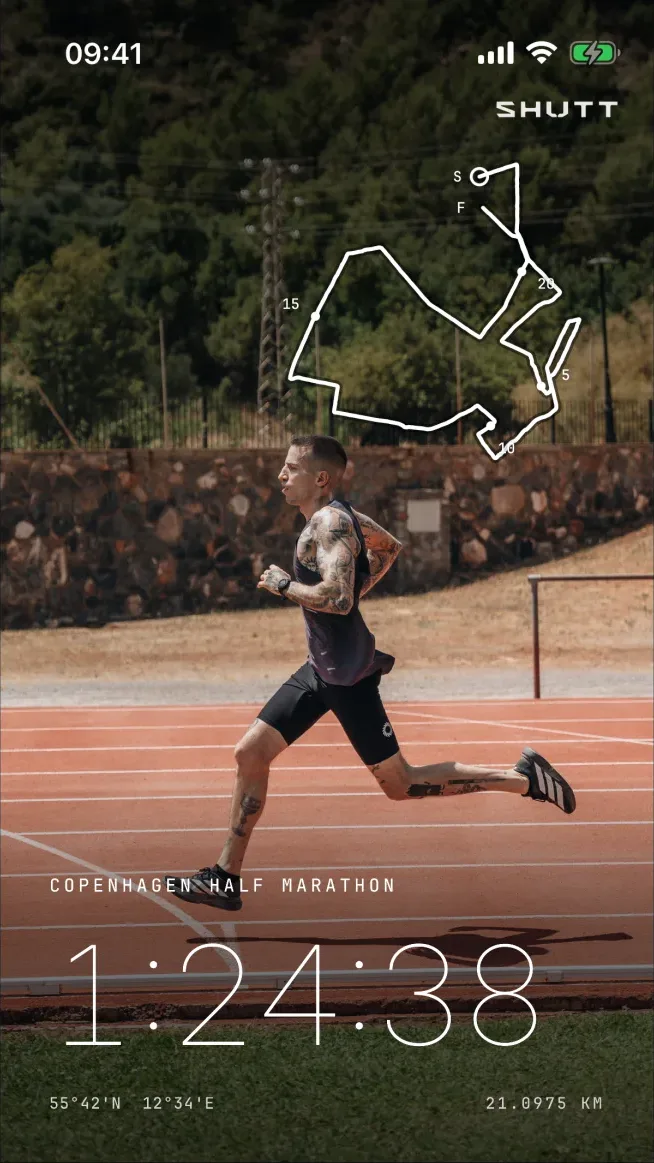
To make one:
- Open your run in the editor and pick your photo.
- Tap Finish or Course at the start of the looks.
- Tap the pencil at the right of the bar under the looks to switch between its styles.
- For miles, set Units to miles in Settings. The race then reads 26.22 MI.
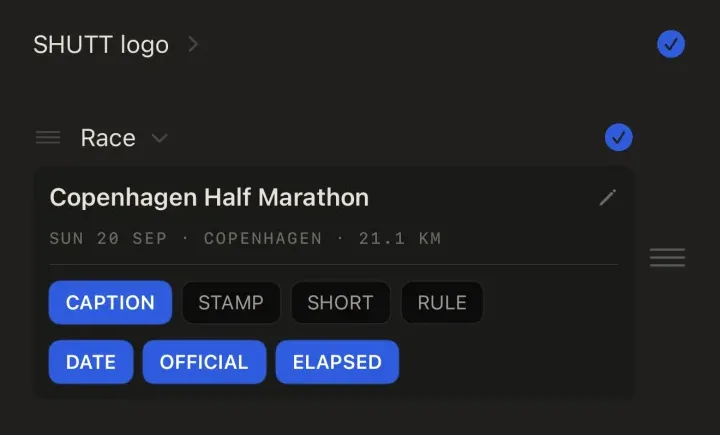
The time on these looks is your elapsed time, and the distance is the race's official one rather than your watch's. To change the race name, say to "NYC 2026", open a stats look such as Press, tap the pencil, and use the Race row in the stats tab. The same pencil opens the splits tab.
Heart-rate stats can be previewed for free, but saving them needs Pro, and free exports carry a small SHUTT mark.
SHUTT is not connected to New York Road Runners or the race, and the looks do not use the race's logo. If your official time differs from your Strava time, the image will show Strava's, so crop the activity first if that matters to you.
What else can you do with it?
For a poster to frame, the guide to race posters from Strava compares print services with making your own. For the numbers themselves, the guide to race stats on a photo goes through every race distance.
One last tip: take the photo before you sit down. You may not get up again for a while.