To make a race poster from your Strava activity, export the run as a GPX file, then either upload it to a print-on-demand route poster service or lay out the route, finish time, date and race name yourself in Canva or Figma. If you want your race photo with the run on it rather than a map poster, an app that reads Strava can make that image on your phone, ready to print at photo size.
Here is what makes a race keepsake worth framing, and how each route gets you there.
What makes a good race keepsake?
A finisher's medal goes in a drawer. A poster stays on the wall for years, so it is worth getting the content right. The best ones carry five things:
- The route as a mark. A single clean line, not a full street map. A marathon course has a recognisable shape, and on its own it reads almost like a logo.
- The finish time. The biggest number on the poster. 3:28:41 means more to you than any other stat.
- The date. Day, month and year. In five years you will want to know which edition it was.
- The place. Race name and city. "Valencia Marathon" says more than coordinates.
- Splits, if they tell a story. A negative split, a wall at 32 km, a sprint finish. Splits earn their place when they have a shape. Even pacing makes a flat, dull chart.
Optional extras: the elevation profile for a hilly course, your bib number, average pace. Keep the total to six or seven elements. A poster is read from two metres away, not up close.
What are your options?
There are three realistic routes, and they make different things.
| Route | What you get | Effort | Physical print included |
|---|---|---|---|
| Print-on-demand route poster service | A designed map poster, printed and shipped | Low | Yes |
| DIY in Canva or Figma from GPX | Exactly the design you want, as a file | 1-3 hours | No, you print it |
| App that puts the run on your race photo | Your photo with the route and stats, phone-sized | A few minutes | No, you print it |
How do print-on-demand route poster services work?
This is a whole category of small businesses and makers. You upload your GPX file or connect Strava, pick a layout and colour scheme, type the race name and your time, and they print and ship a poster, sometimes framed. Some also sell framed displays that hold your medal next to the route. Marketplaces like Etsy have many independent sellers offering custom route prints, as well as cheaper digital files you print yourself.
What to check before ordering:
- Can you see a proof? You want to approve the exact layout, the spelling of the race name and the time before it is printed.
- Paper and print method. Matte, heavy paper (around 200 g/m² or more) looks better framed than thin glossy stock.
- Standard sizes. A3, 30 x 40 cm or 50 x 70 cm fit off-the-shelf frames. Odd sizes mean a custom frame.
- Shipping time. Printed and shipped usually takes days to weeks. If it is a gift, order early.
The trade-off is control. You choose from their layouts and type, so the result looks like their product with your route in it.
How do you make a race poster yourself in Canva or Figma?
The DIY route takes longer but gives you every decision. Figma is better for precise type; Canva is faster if you already use it.
- Export the GPX. On the Strava website, open your race activity; its menu has an option to export a GPX file. This only works for your own activities.
- Turn the GPX into a line. Free online GPX viewers and converters can render the track as an image or an SVG. An SVG is ideal, because it scales to any print size without going blurry.
- Set up the canvas. For 50 x 70 cm at 300 pixels per inch, that is roughly 5900 x 8300 pixels. For A3, about 3500 x 4960 pixels.
- Place the route large, centred or slightly above centre. Set the line to one colour and a weight around 0.5% of the poster width.
- Add the finish time as the largest piece of type. Then race name, city and date, smaller.
- Add splits or elevation only if they have a shape worth showing. Type the splits from Strava, or draw the elevation profile as a simple filled shape.
- Leave margins. At least 5% on every side, more at the bottom. A crowded poster looks cheap in a frame.
- Export as PDF at full resolution and send it to a local print shop or an online printer.
Expect one to three hours the first time, most of it on type and spacing. The result is exactly yours. The guide to making Strava photos look good has notes on type and contrast that apply here too.
Can you print your race photo with the run on it?
A map poster leaves out the thing you will remember most: you, crossing the line, or the street at kilometre 38. Another kind of keepsake is your race photo with the route and the time on it.
You can build that by hand with the steps in how to add stats to your running photos. Or use an app that reads the activity from Strava.
SHUTT, which I make, does this on iPhone. You connect Strava once, open the race, pick your photo and pick a look. The finish time, pace, splits and route are filled from Strava, nothing to type. For a print, two choices matter:
- Size. Square 1:1 or Post 4:5 suit printing better than the tall Story format. A 4:5 image prints cleanly at 20 x 25 cm, a common frame size.
- Look. Silver is a good example for a race: it engraves the run on a steel plate that reflects your photo, which reads more like a medal than a social post.
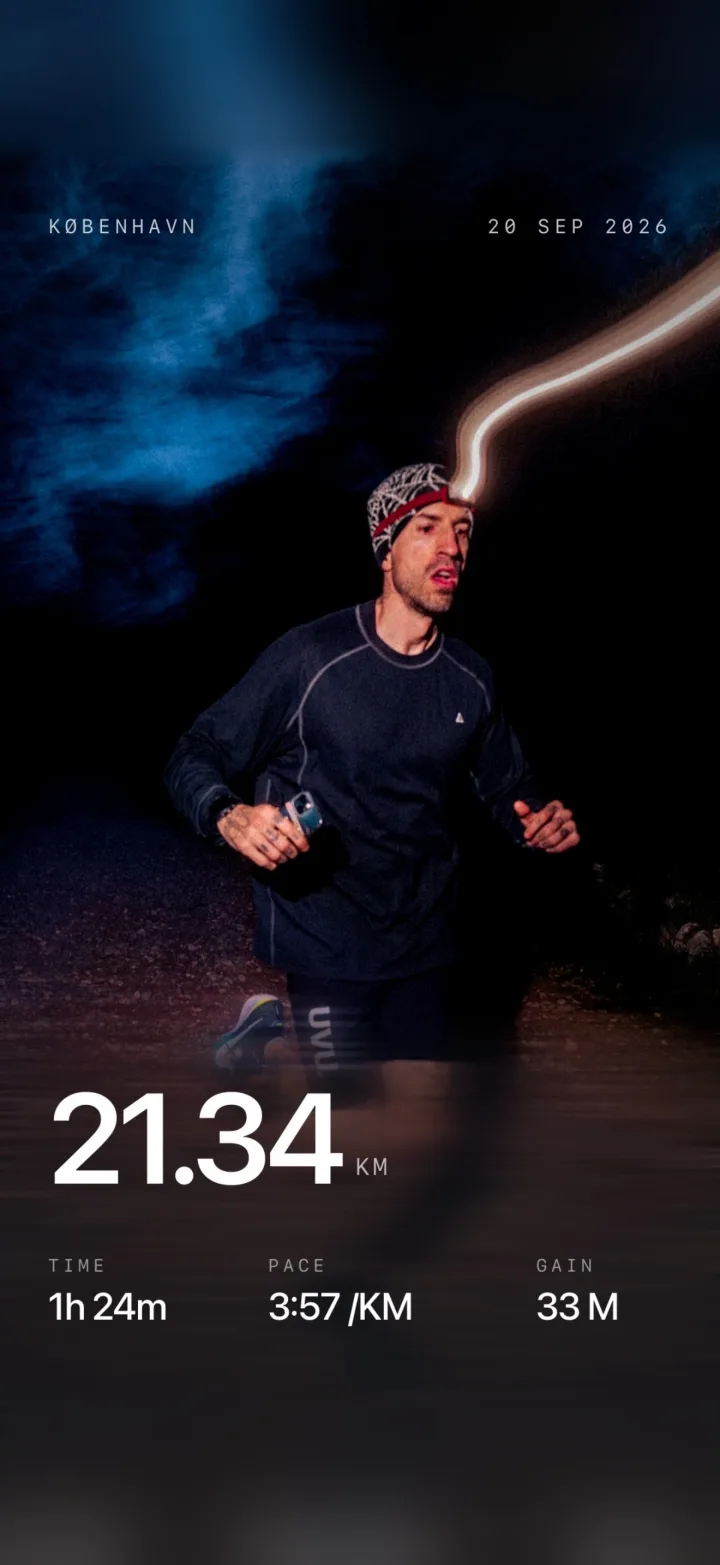
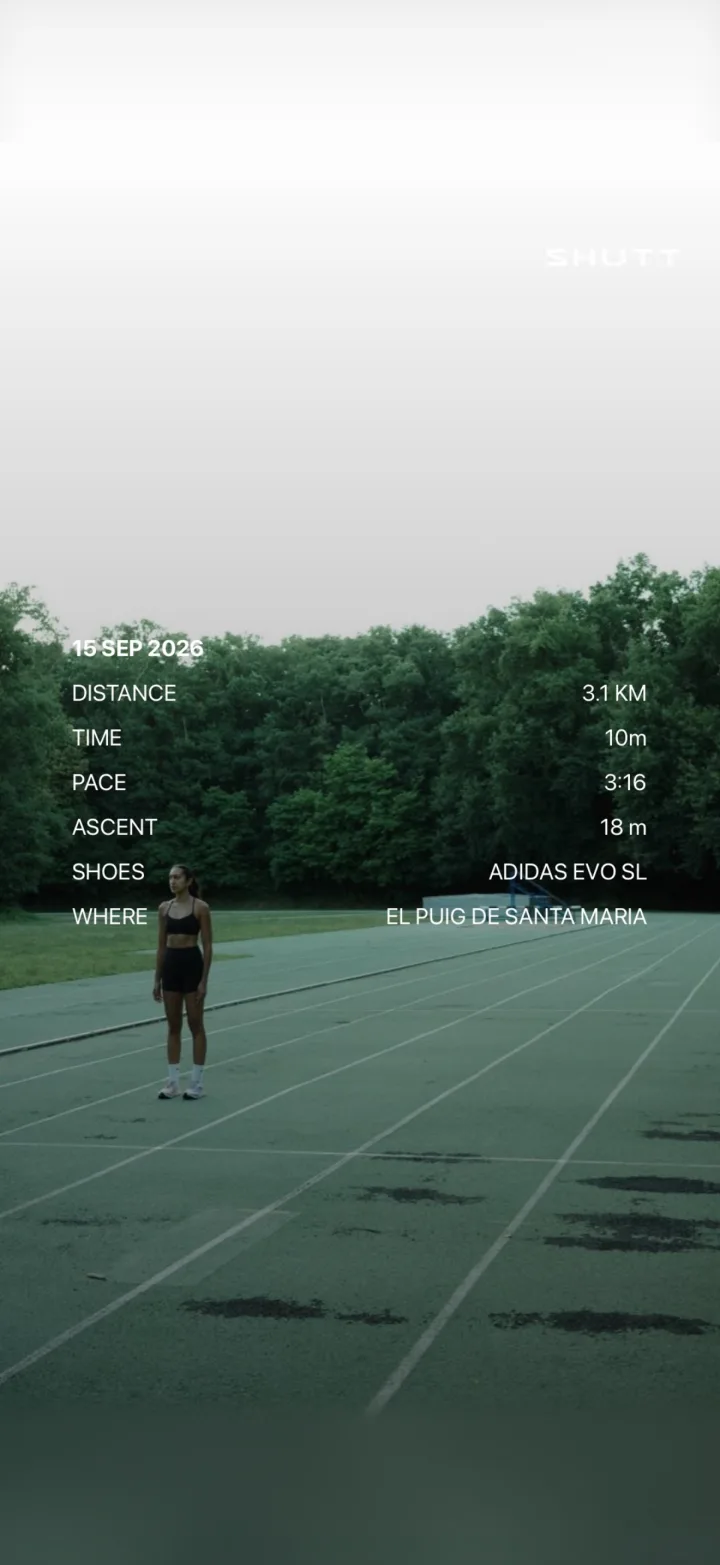
To be clear about what this is: SHUTT makes images. It does not print, sell or ship anything physical. You save the image to your photos and print it yourself, at a photo lab or a print shop. Free exports carry a small SHUTT mark; Pro removes it. The features page lists the looks and stats.
Which should you choose?
- You want it done and on the wall with no design work: a print-on-demand route poster.
- You care about every detail and have an evening free: DIY from GPX in Figma or Canva.
- You want the race photo itself as the keepsake: your photo with the run on it, printed at 20 x 25 cm or 30 x 30 cm.
Nothing stops you from doing two. A large route poster for the wall and a small photo print for the desk cover different memories of the same morning. And if the race goes on Instagram first, how to share Strava runs on Instagram covers the sizes and formats.