The short answer: if you want a 3D flyover of a Strava activity, use Strava Flyover (subscribers only) or Slid. If you want your own photo or clip with your stats on it, which is what most runners post, use Strava's free sticker, PicStat, STREIV or SHUTT.
Disclosure: I make SHUTT, one of the apps below. Every fact about the other apps comes from their store listings and support pages, checked in October 2026.
Why look for a Relive alternative?
Two reasons come up most.
Relive no longer connects to Strava. Strava ended the partnership in 2019, and Relive's own support page says so. If Strava is where your runs live, Relive can't read them. It imports from Garmin, Apple Health, Suunto, COROS, Wahoo, Polar and others instead, so it still works if your watch syncs there.
Relive centres on the 3D flyover. It makes a video of the route seen from above, with your photos placed along it. That is a good format for a long trail day or a race abroad. But for a daily run, many people would rather post the photo they took at the end, or a clip they filmed, with the stats on top. That is a different job, and different apps do it better.
Relive itself is still a strong app, rated 4.8 from about 70,000 ratings on the App Store. If your watch syncs to it and you like flyovers, you may not need an alternative at all.
How do the alternatives compare?
Prices are US list prices at the time of writing (October 2026). Check the store page before paying.
| App | Platforms | Connects to Strava | Your own photo | Your own video | 3D flyover | Pricing (Oct 2026) |
|---|---|---|---|---|---|---|
| Strava Flyover | iOS, Android | Built in | No | No | Yes | Strava subscription |
| Slid | iOS | Yes, plus Apple Health | Inside the video | Yes | Yes, since April 2026 | Free + Pro in-app $0.99 to $41.99 |
| PicStat | iOS, Android | Yes, plus GPX | Yes | Yes | No | Free + in-app $0.99 to $44.99 |
| STREIV | iOS, Android | Yes | No | Yes | No | Free + PRO $9.99 |
| SHUTT | iPhone | Yes | Yes | Yes | No | Free; Pro monthly, yearly or one-time |
| Strava share and sticker | iOS, Android | Built in | Yes | No | No | Free |
| Relive (for reference) | iOS, Android, web | No | Inside the video | Yes | Yes | Free 1 video per activity; Plus $6.99/mo or $38.99/yr |
Strava Flyover: the closest like-for-like
Strava Flyover is Strava's own 3D flyover video of your activity, shareable to Instagram. It is the nearest thing to Relive, and it needs no extra app or account because it lives inside Strava.
The limits: it is only for Strava subscribers, and it does not use your own photos. If the flyover was the part of Relive you liked, start here.
Slid: flyover plus stats, on iOS
Slid makes a short video with your stats and an animated map. It added 3D flyovers in April 2026, so it covers the Relive format while still connecting to Strava (and Apple Health). Your photos go inside the video rather than filling the frame. It is iOS only, rated 4.4 from 118 ratings.
PicStat: photo and video, on Android too
PicStat puts your stats and a route trace on a photo or a video, with an animated route. It connects to Strava and also takes GPX files, which helps if some of your runs are not on Strava. It runs on iOS and Android. It is new, with too few ratings on the App Store to judge.
STREIV: built for your own footage
STREIV overlays Strava data on video you shot. If you run with a GoPro or film clips along the way, this is the most focused option. It does not do photos. It runs on iOS and Android, and PRO is listed at $9.99.
SHUTT: your photo or clip, with a finished design
SHUTT is the app I make. It connects to Strava once, then your activities show up on their own. You open a run, pick a photo or clip from your camera roll, and pick one of 33 looks, each a complete design rather than a template with blanks. Stats are filled from Strava, and the route is drawn over the photo in 49 styles or as a map under it. Video keeps the brightness and colour you filmed.
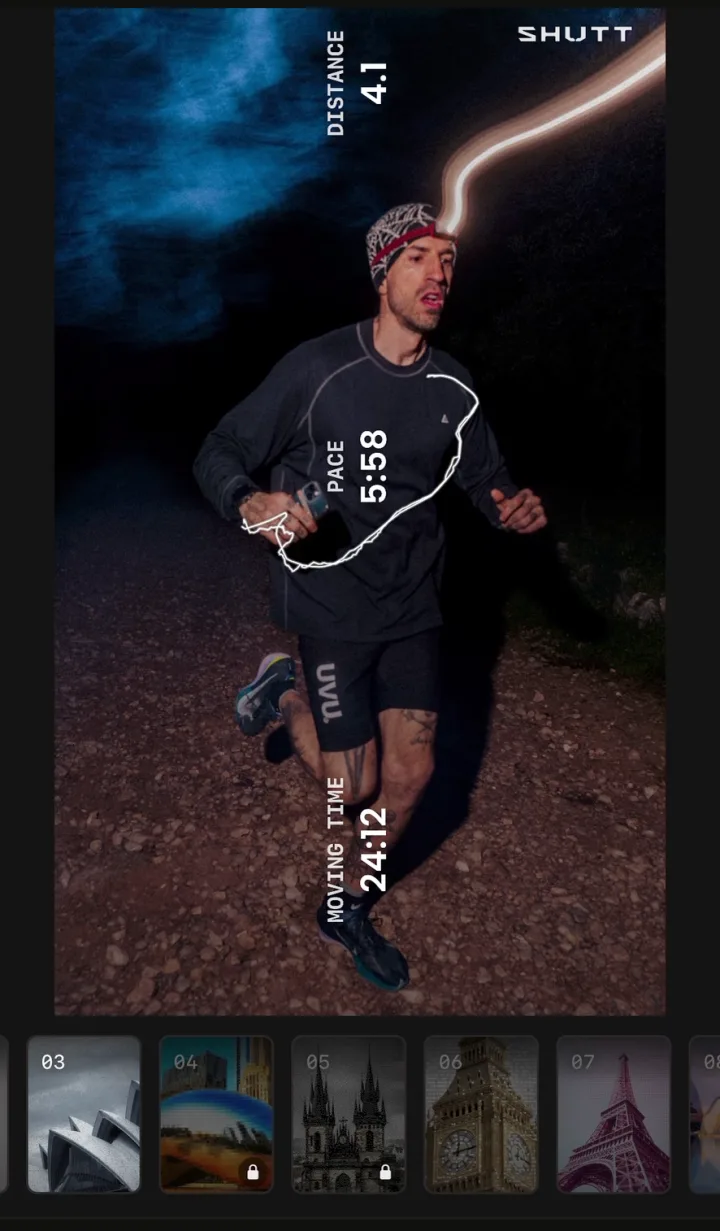
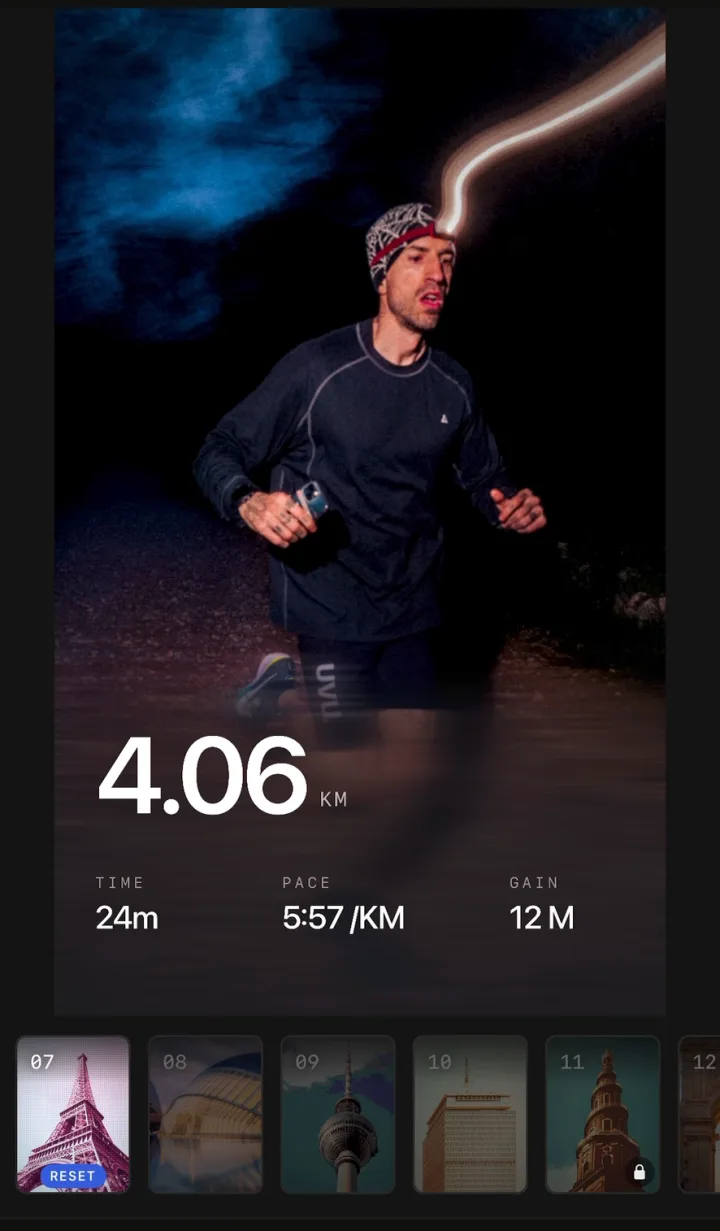
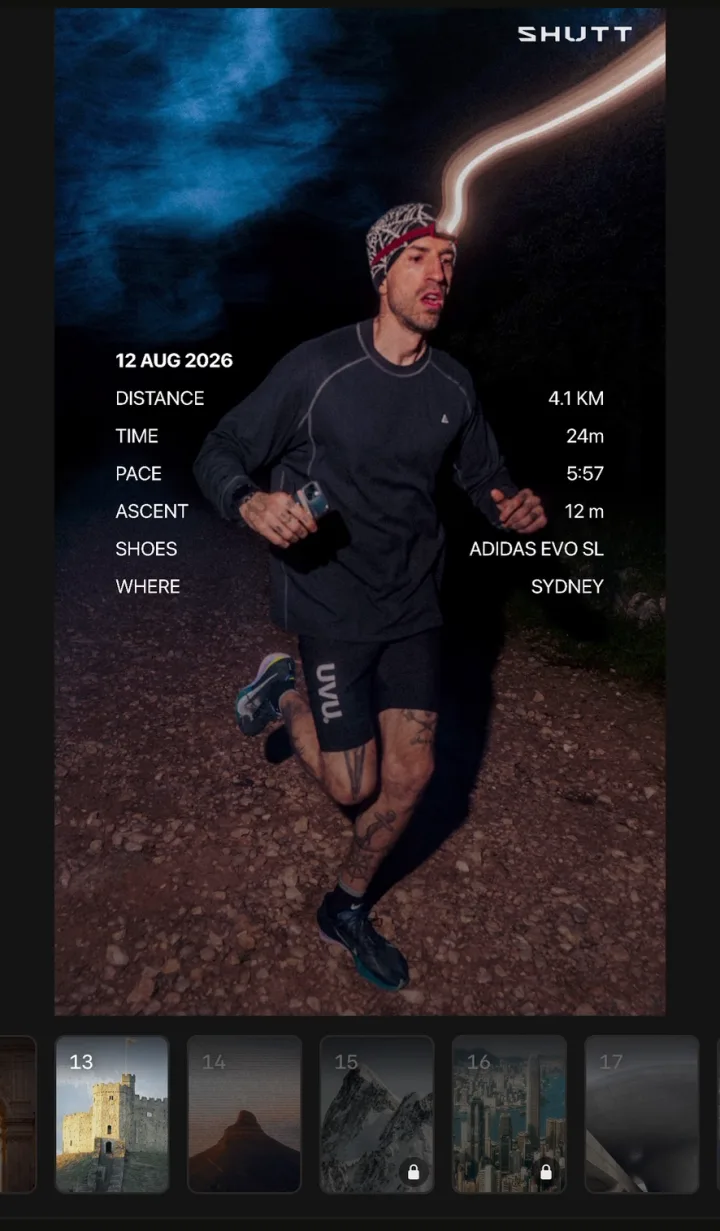
It is free to use, with a small SHUTT mark on free exports. It is iPhone only and has no 3D flyover. If the flyover is what you want, SHUTT is the wrong tool. More on the features page.
Strava's sticker: free and already installed
Strava's own share puts your stats on one of your activity photos or on the map, and its Instagram sticker drops a transparent stats graphic onto any Story. You can lay it over a photo you took yourself. It costs nothing, and for plenty of runs it is enough.
The limits: Strava picks the stats (for runs, moving time, distance and pace), there is little control over type, indoor and manual activities get no map share, and the activity has to be set to Followers or Everyone. If sharing fails for you, see why a Strava activity won't share to Instagram. For more ways to use the sticker well, see how to share Strava runs on Instagram.
Which one should you pick?
Go by what you want to post.
- A 3D flyover of a Strava run, and you subscribe to Strava: Strava Flyover.
- A 3D flyover with stats, on iPhone, without a Strava subscription: Slid.
- The photo you took at the end of the run, with stats on top: Strava's free sticker if you want it fast, SHUTT if you want the design to look finished. The guide to stats on a running photo covers the manual ways too.
- A clip you filmed: STREIV, especially for GoPro footage, or PicStat or SHUTT if you also want photos. See how to add Strava stats to a video.
- You are on Android: Strava Flyover, PicStat or STREIV.
- Your watch syncs to Relive directly and you like it: keep using Relive.
Is a flyover or a photo better for Instagram?
It depends on the run. A flyover suits a route people would not recognise from a photo: a mountain loop, a point-to-point, a race in another city. For an ordinary Tuesday run, a single good photo with three stats usually reads faster in a Story than a video someone has to watch to the end. If you go the photo route, how to make Strava photos look good has the habits that help most.