The short answer: most often the activity is private. Strava only shares activities set to Followers or Everyone, so a run set to Only You will fail. The next most common cause is that the activity has no GPS: indoor, treadmill and manual activities can't be shared with a map or a photo with stats. Less often, the share is simply stuck, and force closing Strava fixes it.
Everything below comes from Strava's own help pages, linked where it applies. I make a run photo app (SHUTT), which comes up once near the end.
What does Strava need before it will share?
Strava's sharing article and its troubleshooting steps boil down to four conditions:
| Condition | What Strava says |
|---|---|
| Privacy | The activity must be set to Followers or Everyone |
| GPS | Only GPS-recorded activities can be shared with a map or an image with stats |
| Where you share from | The mobile app; the website only shares to X |
| The destination app | Shares go to social apps installed on your phone, so Instagram has to be installed to appear in the list |
If one of these is not met, the share either fails with a "Something Went Wrong" message or the option you expect is not there.
How do you fix it?
Work through these in order. The first two cover most cases.
1. Check the activity's privacy
Open the activity, tap the three-dot icon, then Edit Activity. Find the visibility setting and choose Followers or Everyone. Save, then try sharing again. Strava's privacy controls article describes the same path.
Keep in mind what this changes. Followers or Everyone means people can now open the activity on Strava. If you keep a run private for a reason (it starts at your front door, say), read the section on private runs below before you change it.
2. Check that the activity was recorded with GPS
Treadmill runs, indoor rides, stationary workouts and activities you typed in by hand have no GPS track. Strava says these can't be shared with a map or an image with stats. That is a limit of the activity, not a bug, and no setting changes it.
What you can still do: take your own photo (the treadmill screen, a mirror shot, your watch) and add the stats yourself. The guide to stats on a running photo covers the manual ways, including Instagram's own text tool.
3. Force close Strava and try again
If privacy and GPS are both fine and you still get "Something Went Wrong", Strava's own advice is to force close the app, reopen it, and share again. On iPhone, swipe up from the bottom and hold to see open apps, then swipe Strava away. On Android, use the recent apps view.
4. Share from the phone, not the website
According to Strava, sharing to Instagram is a mobile app feature. The website only supports sharing to X. If you are on a laptop, pick the activity up on your phone.
5. Make sure Instagram is on the same phone
Strava hands the image to apps installed on your phone. If Instagram is not installed on that device, it will not appear in the list of apps to share to.
6. If the image shows old stats, reopen the activity
If you edited the activity (renamed it or fixed the distance, for example) and the shared image still shows the old numbers, close the activity and open it again before sharing. Strava says that if old data still appears after that, contact Support.
7. Contact Strava Support with a screen recording
If none of the above works, Strava asks for a screen recording of the problem when you contact Strava Support. Record the whole attempt, from opening the activity to the error.
Which fix matches what you see?
If you would rather jump straight to the likely cause, match the symptom:
| What happens | Most likely cause | Fix |
|---|---|---|
| "Something Went Wrong" on a run with a map | Activity set to Only You | Step 1: set it to Followers or Everyone |
| No map or photo option on a treadmill run | No GPS on the activity | Step 2: use your own photo instead |
| Error on a public GPS run | The app is stuck | Step 3: force close Strava and retry |
| No share to Instagram on a laptop | Website sharing is X only | Step 4: use the phone app |
| Instagram missing from the list of apps | Instagram not on this phone | Step 5: install it on the same device |
| Shared image shows old numbers | Cached version of the activity | Step 6: close and reopen the activity |
One thing worth knowing before you change privacy to make a share work: you can set the activity to Followers, share it, and set it back to Only You afterwards. The image you posted on Instagram stays posted; only the Strava activity goes back to private. Whether that trade is worth it is your call.
Why doesn't the share show the stats I want?
That is by design rather than a fault. Strava picks the stats on its share image: for runs and swims it shows moving time, distance and pace, and for rides it shows moving time, distance and elevation. Units follow your Strava settings and the language follows your phone. You can't add heart rate, splits or elevation to a run's share image from inside Strava.
If you want different stats, you need a separate step: type them on a photo with Instagram's text tool, build a layout in Canva, or use an app that reads your activity. How to share Strava runs on Instagram walks through each of these.
What about runs you want to keep private?
Not from Strava itself. But apps that you connect to Strava and give read access to your activities, including private ones, can make an image of a private run. The run stays private on Strava; you only post the picture you choose.
SHUTT is one of these, on iPhone. It never changes anything in your Strava account. How to do it in SHUTT:
- Sign in with Strava once. Your activities appear on their own, private ones included.
- Open the run and pick a photo or a clip from your camera roll.
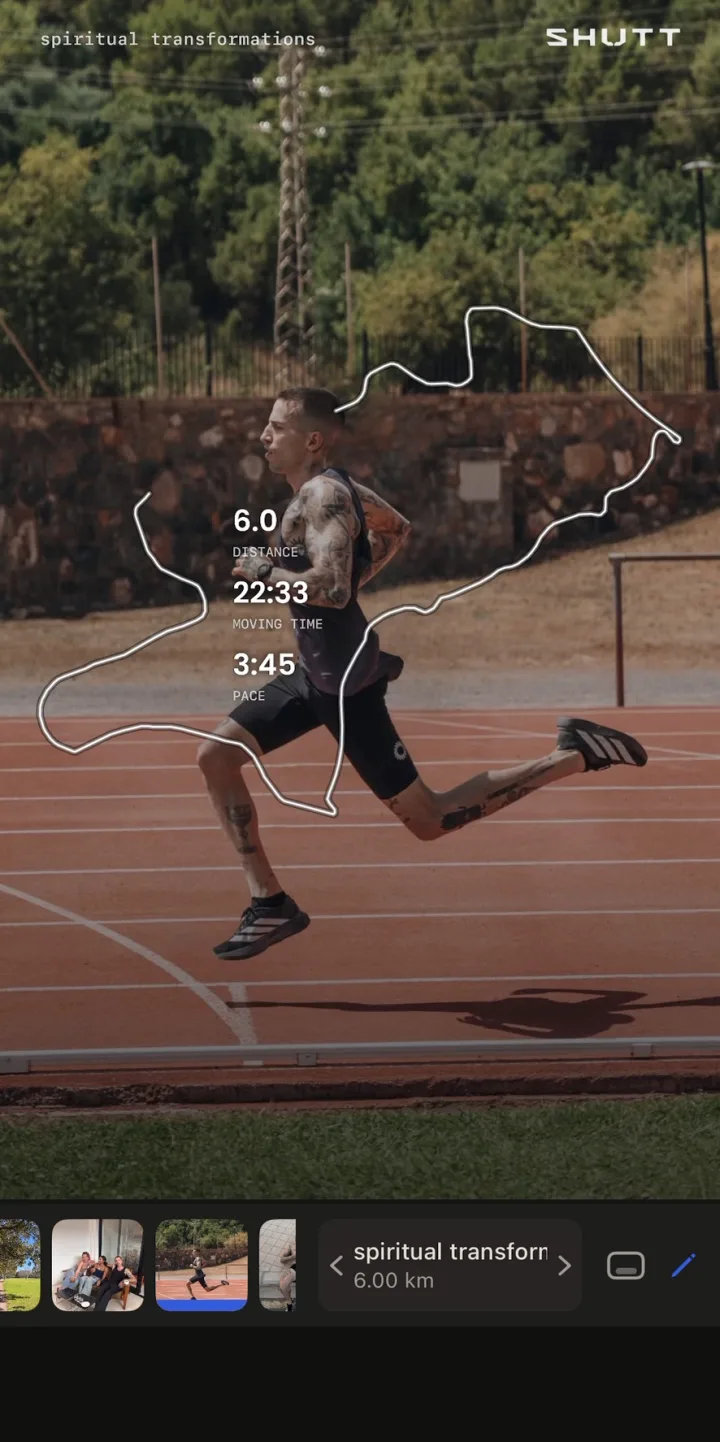
- Pick a look. The stats are filled in from the activity.
- Save it to Photos or share it to Instagram Stories.
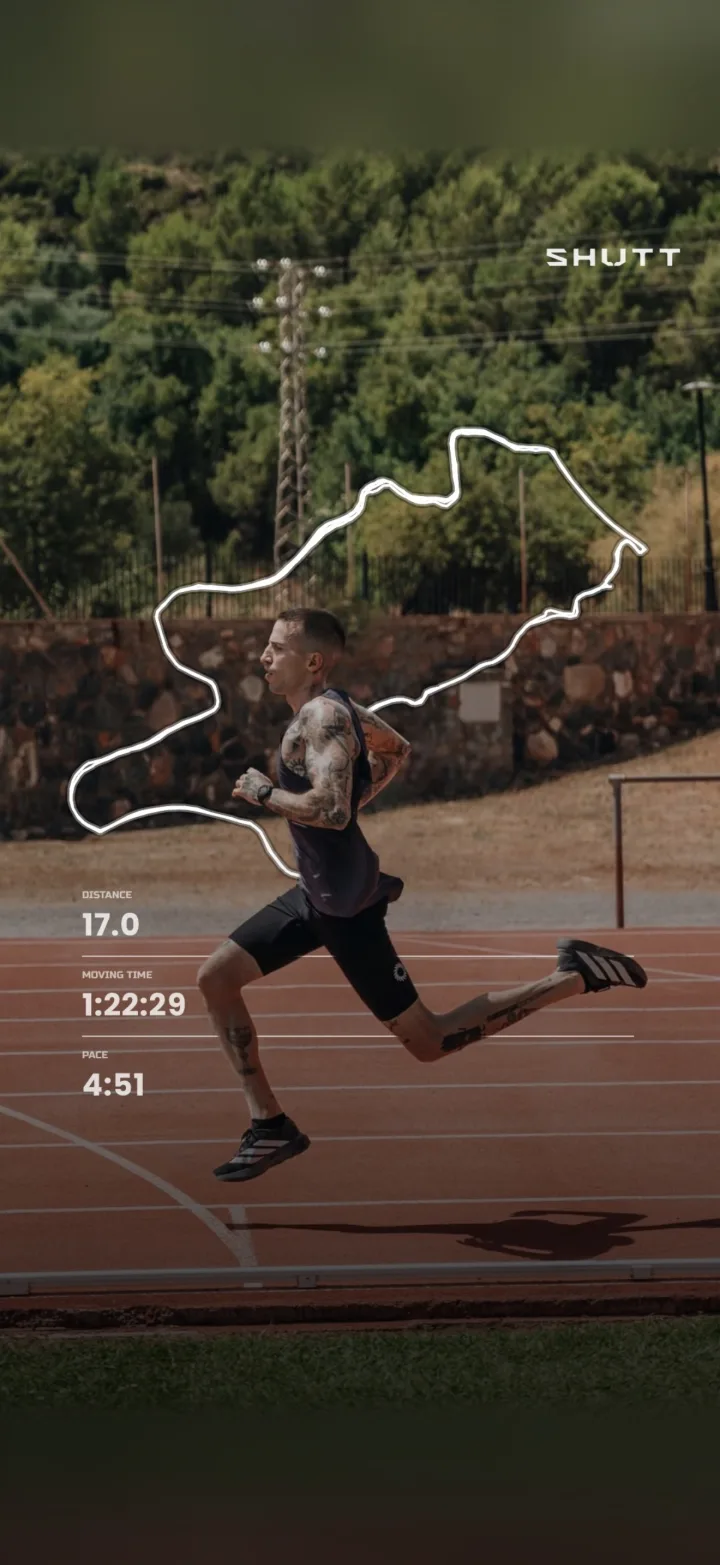
It is free to use, with a small SHUTT mark on free exports. The features page has the rest.
A note on why this only works for your own runs: Strava's API terms let an app show a person's Strava data only to that person. So these apps work on your runs, not your friends'.
What if you just want a better-looking share?
Once the share works, the other common complaint is that it looks like everyone else's. A few things help without any extra app: use your own photo instead of the map, frame it vertically for Stories, and keep the stats small. How to make Strava photos look good and the Strava Instagram Story template guide go further.