Your year in review, free
A story-size card of your year, made from your own Strava export. Free, no sign-in, and the file never leaves your browser.
Three steps
- 01
On strava.com, open Settings, then My Account, then Download or Delete Your Account, and press Request your archive.
- 02
Strava emails you a link to a zip file. It can take a few hours.
- 03
Add the zip (or the activities.csv inside it) to this page.
Drop your Strava archive hereChoose your Strava archive
the zip, or activities.csv
Choose fileRead on this device only. Nothing is uploaded or stored.
How it works
Your file, your browser
The page reads activities.csv from Strava's archive with JavaScript on your device. Nothing is sent anywhere, nothing is saved, and closing the tab forgets it.
No Strava login
It does not connect to Strava at all, so there is no sign-in, no permission screen and no athlete limit. It is the same file Strava gives you when you ask for your data.
What counts
Distance, moving time and elevation gain as Strava recorded them, by the date Strava wrote down (UTC, so an activity started around midnight on New Year's Eve can fall in the next year). Days are counted once however many activities they hold.
Every activity, on your own photo
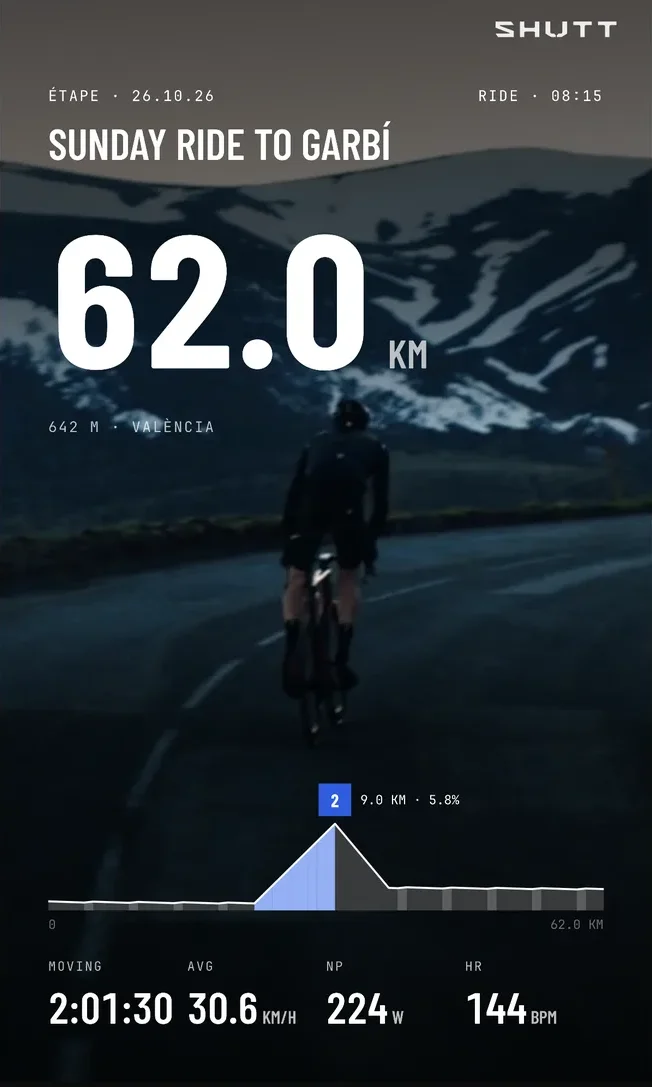
The card is your year. SHUTT (we make it) does the same for every run and ride: it reads the activity from Strava and sets the stats, splits and route on your own photo, ready for an Instagram Story. iPhone.
Get SHUTT on the App Store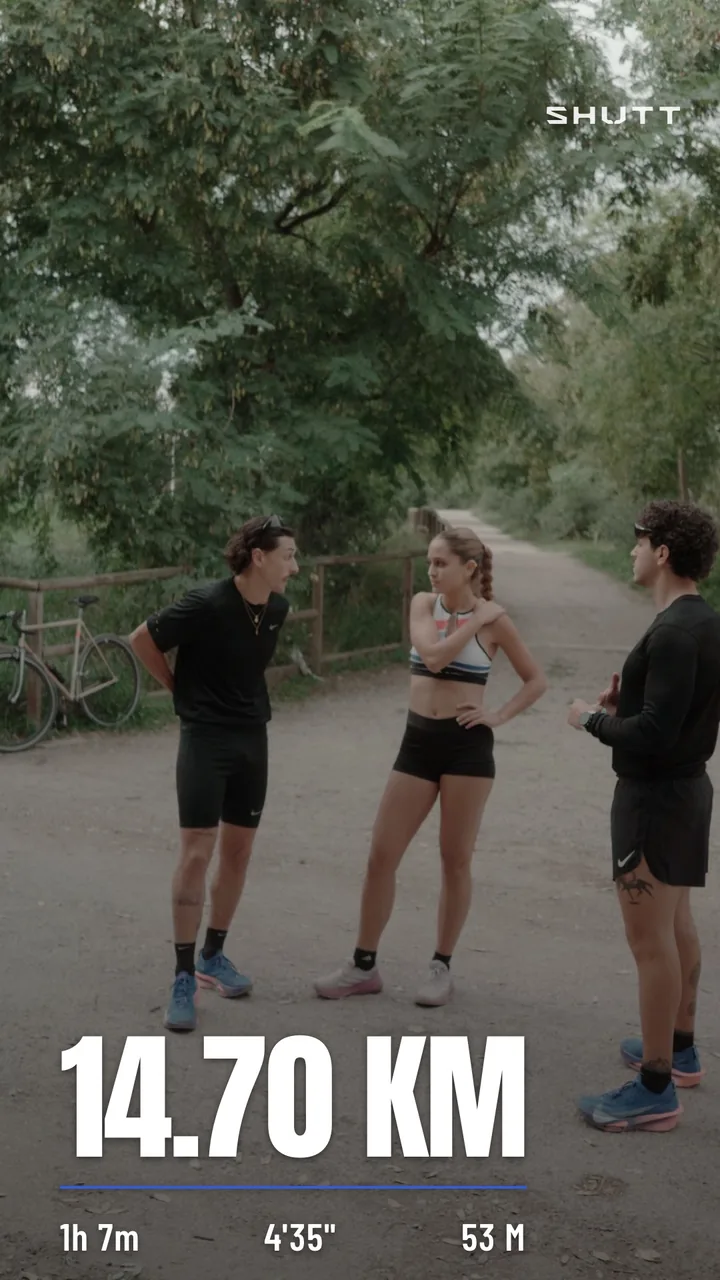
Questions
How do I see my Strava year in review for free?
Request your archive from Strava (Settings, My Account, Download or Delete Your Account, Request your archive), wait for the email, then drop the zip on shutt.run/tools/year-in-review. It makes a story-size card of your year: distance, hours, elevation, active days, longest streak and your biggest month, for running, cycling or everything.
Is my data uploaded?
No. The file is read in your browser and nothing leaves your device. There is no account and nothing is stored.
How long does Strava take to send the archive?
Strava emails a download link once the archive is ready. It is often quick but can take a few hours on a long history.
Does it work for cycling?
Yes. Pick Cycling and the card counts rides, virtual rides, gravel and mountain bike rides and e-bike rides; Running counts runs, trail runs and virtual runs.