Stats sticker for your run or ride
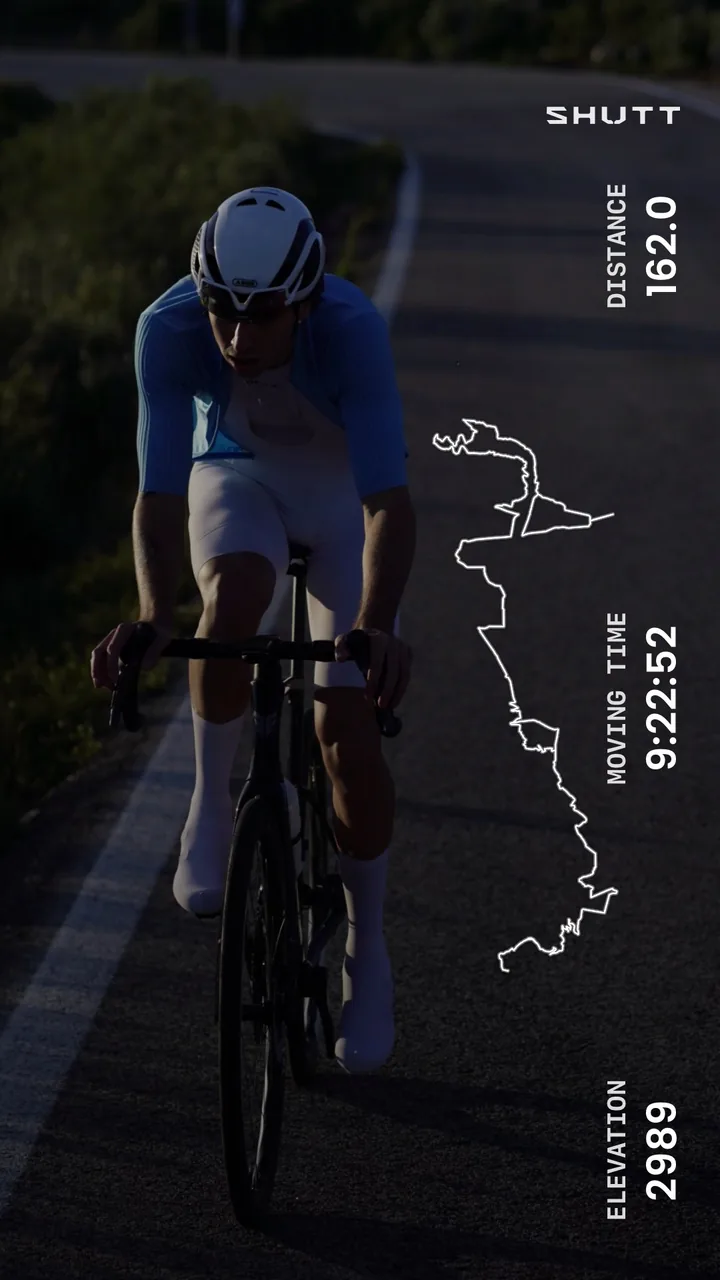
Drop the file of a run or a ride and get a transparent PNG of its stats and route, to paste over your own photo in Instagram. Every number comes from the file.
Drop an activity file hereChoose an activity file
GPX, TCX or FIT, also .gz
Choose fileRead on this device only. Nothing is uploaded or stored.
Where the file comes from
- Strava
- On the web, open the activity, press the three dots, then Export Original or Export GPX. Or take any file from your Strava archive.
- Garmin Connect
- Open the activity, press the gear, then Export Original (FIT) or Export to GPX.
- Coros, Suunto, Wahoo, Apple Watch apps
- Every one exports GPX or FIT from the activity's share or export menu.
How it works
Computed, never typed
Distance, time, pace, elevation and splits are worked out from the points in the file. There is no box to type a number into, so the sticker shows the activity you actually did.
Your file stays here
The file is read in your browser. Nothing is uploaded, nothing is stored, and there is no Strava or Garmin login.
How the numbers are worked out
Distance and moving time come from the device's own totals when the file carries them (FIT, TCX), otherwise from the track: moving time counts every step faster than a slow walk. Elevation gain drops impossible altimeter spikes and ignores wobbles under 3 m, so it can differ a little from Strava's.
Want it set on the photo for you?
SHUTT (we make it) reads your runs and rides straight from Strava and sets the stats, splits and route on your own photo in designed looks, ready for an Instagram Story. No files to export. iPhone.
Get SHUTT on the App Store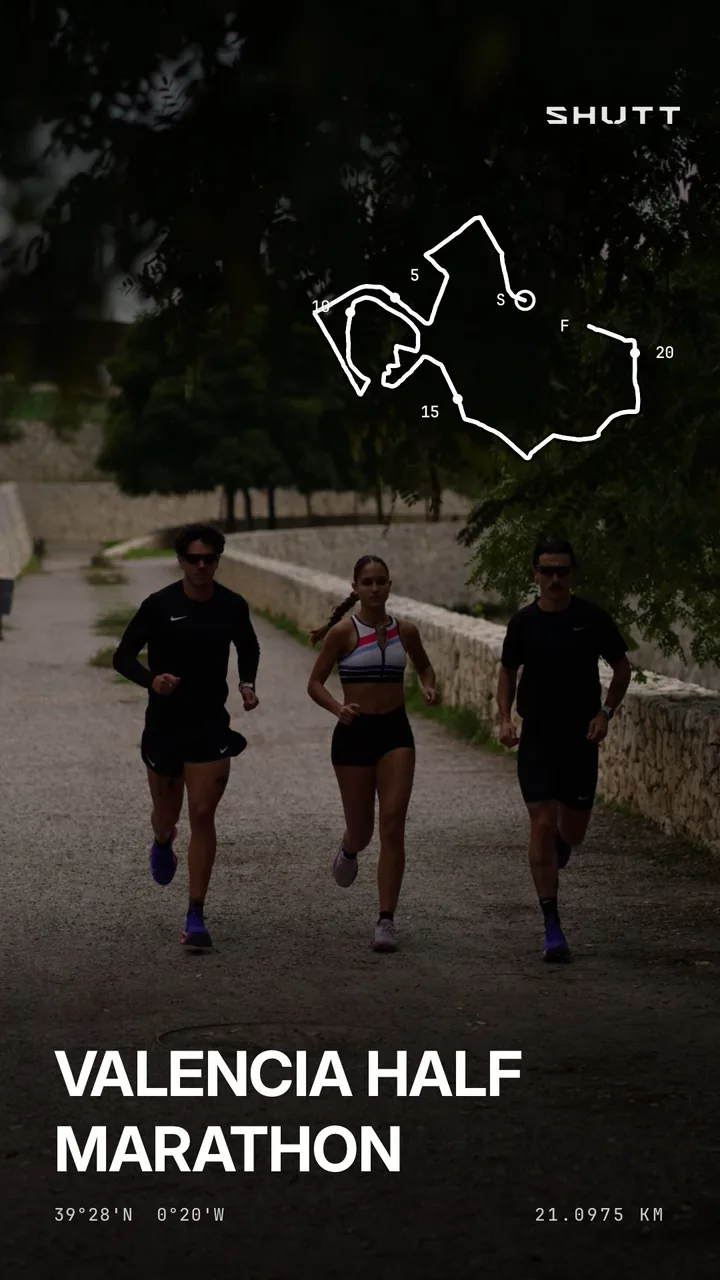
Questions
How do I put my Strava stats on an Instagram Story?
Export the activity from Strava as a GPX (on the web: the three dots on the activity, Export GPX), drop it on shutt.run/tools/stats-sticker, download or copy the transparent PNG, and paste it over your photo in Instagram's story editor. Or use the SHUTT app, which reads the run from Strava and sets the stats on your photo for you.
Is the sticker background transparent?
Yes. The PNG has a transparent background, so only the type and the route land on your photo. Pick white or black ink to suit the photo.
Can I edit the numbers?
No, on purpose. Every number is computed from the activity file, which keeps the sticker honest.
Does it work for indoor runs and rides?
Yes, when the file carries distance (treadmill, trainer and FIT files from watches do). There is just no route to draw.